
Starting a radio station used to mean a transmitter, a licence to broadcast on a frequency and a building to put it all in. Online, it means a stream, some music and a reason for people to tune in. The technical part takes an afternoon. The part that takes longer — and matters more — is deciding what your station is for.
Decide what your station sounds like
Before you upload a single song, write one sentence about your station. "Deep house from Lagos, all night." "Gospel and community news for north Manchester." "The records our dads played, and why." That sentence decides your music, your name, your schedule and who you tell about it.
A narrow idea is easier to grow than a broad one. People choose a station because it gives them something they can't get elsewhere.
Get the music on air
On Wrencast, a new station is live on its own address as soon as you finish signing up. From there:
- Upload your music. Two or three hours is plenty to start. MP3, AAC and FLAC all work.
- Put it in a playlist. A playlist is how music gets on air. Most stations start with one that plays all the time.
- Add scheduled playlists later. A breakfast mix on weekday mornings, a specialist show on Friday nights — each one takes over at its time and hands back when it ends.
With a playlist running, your station plays around the clock whether or not anyone is presenting. That matters: a station that is only on air when you are is a station people stop checking.
Go live when you're ready
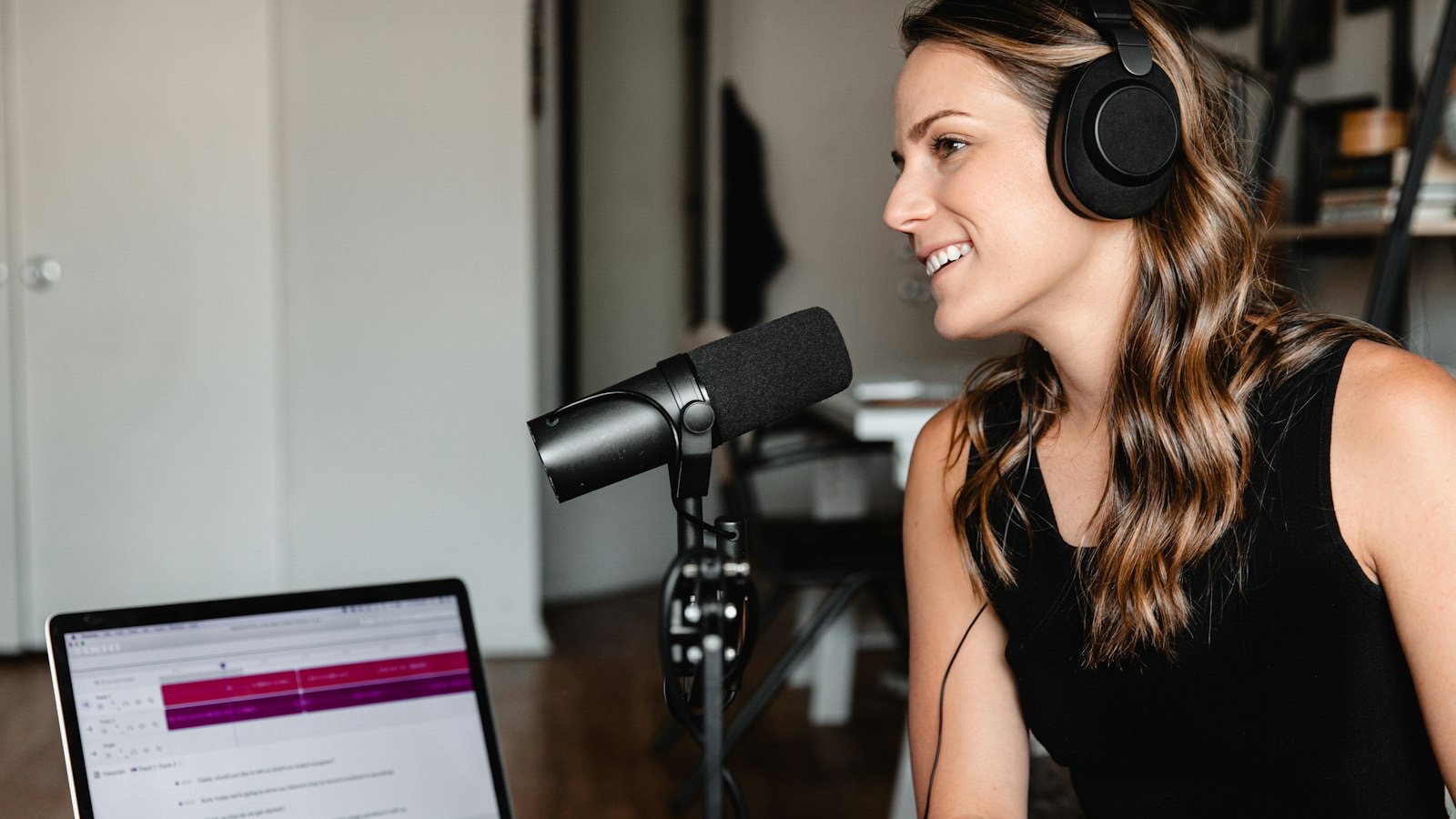
Presenting live is what turns a playlist into a radio station. You don't need a studio. Open Go live in your dashboard, turn on your microphone and press the button — your playlists hand over to you, and take back over when you finish. You can also present from the Wrencast Mac app, or from software you may already use, like BUTT or Mixxx.
Wear headphones, so your music doesn't echo back into the microphone, and use a wired connection if you can.
Sort out music licensing
If you play commercial music, you almost certainly need licences. Which ones depends on the country you broadcast from — in the UK it's PPL and PRS for Music; in the US, organisations like SoundExchange, ASCAP and BMI. Some countries have simple licences for small online stations. Look up the rules where you are before you launch; Wrencast runs your station, but the licences are yours to hold.
Stations that play only music they own, or music released under licences that allow broadcast, don't have this problem.
Make the station page yours
Every station gets its own page, with the music playing and the song on air — and, on plans with requests, a way for listeners to ask for tracks. Add your logo and colours in Settings, write a line about what the station is, and connect your own domain if you have one.
Find your first listeners
Your first listeners will be people you know. Send them your link — then give them a reason to come back: a regular show, at the same time each week, that they can put in their diary.
After that:
- List your station in the directory, where people browse radio by genre and by place.
- Put the player on your website, if you have one, with the one line of code in Website player.
- Turn your shows into podcasts, so people who missed them can still listen.
Check your listener figures each week. You'll learn more from which shows people actually stay for than from anything you guess.
Cover photo by Jacob Hodgson on Unsplash.